
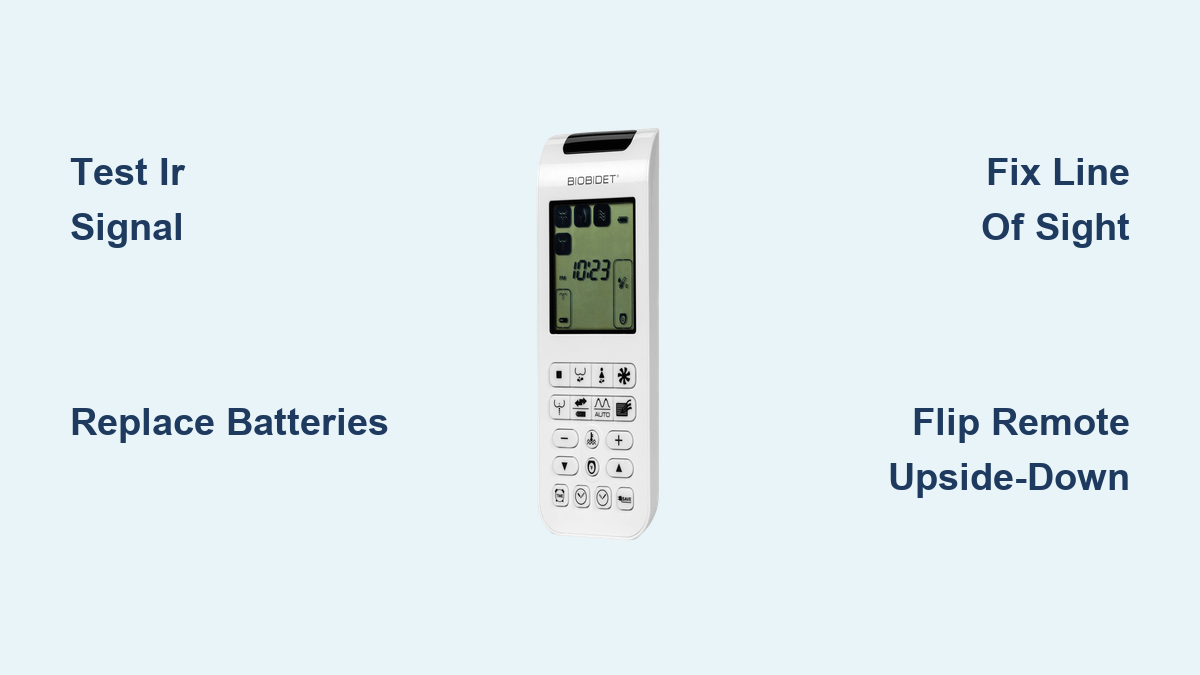
If your bio bidet remote not working issue has you frustrated, you are not alone. Thousands of users with models like the BB1000, BB2000, and IB-835 report inconsistent or non-responsive remotes. The issue is almost always tied to infrared signal failure, design flaws, or environmental interference, not necessarily a broken unit. This guide gives you a clear, actionable path to diagnose and fix the problem fast. You will learn how to test if the remote is sending signals, re-synchronize communication, reposition for better line of sight, and apply real world fixes used by frustrated users who finally got their remotes working again.
We will walk through proven troubleshooting steps, model specific workarounds, and even DIY upgrades that restore full functionality. Whether you are dealing with a completely dead remote or one that only works when held like a flashlight, this guide covers every scenario so you can stop pressing buttons five times and get back to seamless use.
Confirm the Remote Is Sending Signals
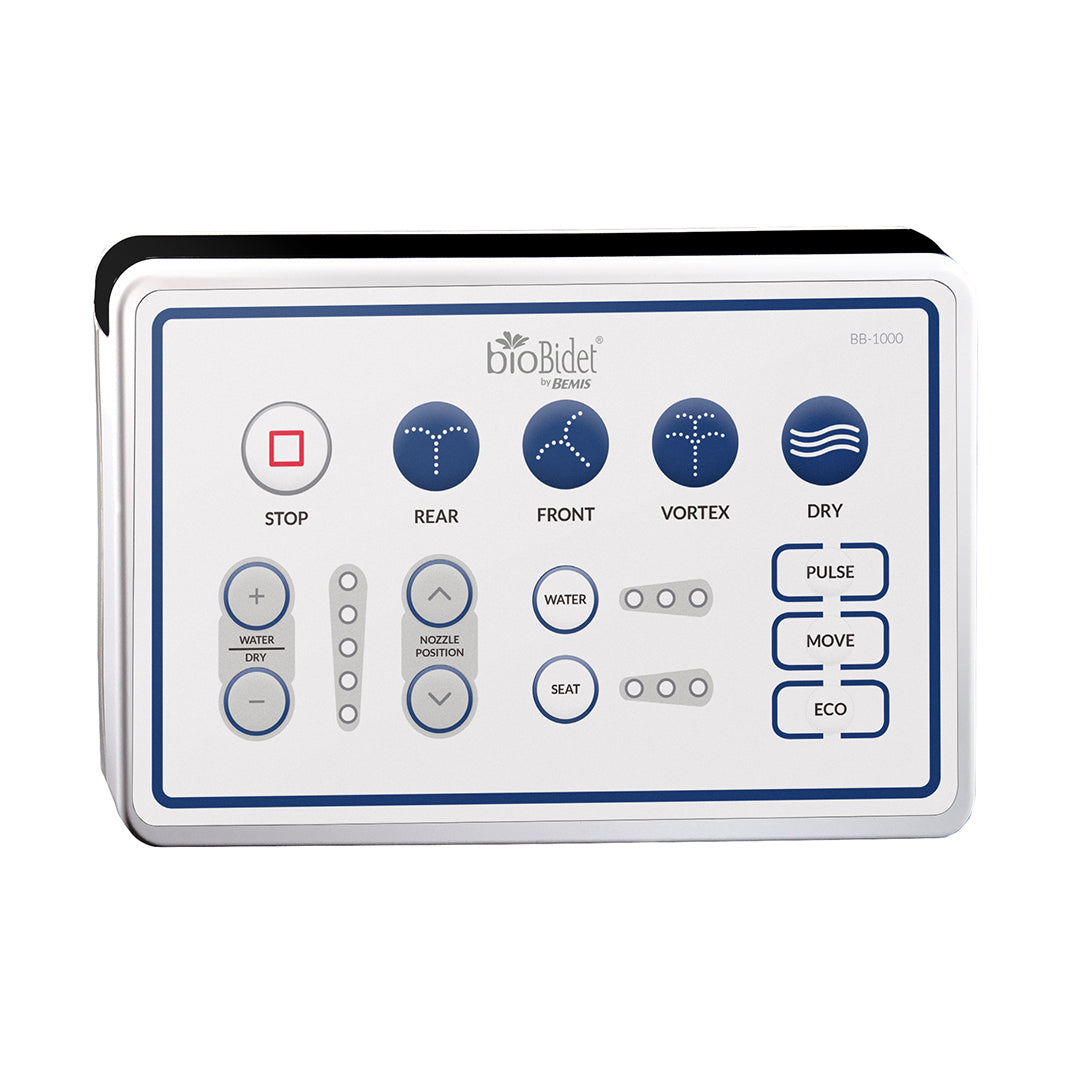
Before replacing parts or calling support, verify whether your remote is transmitting an IR signal. Many users assume the remote is dead when the real issue lies with the bidet seat receiver or signal alignment.
Use a Smartphone Camera Test
Smartphone cameras can detect infrared light invisible to the eye. This simple test tells you if the remote is alive.
Steps:
- Open your phone camera app.
- Point the top edge (BB1000) or front face (BB2000) of the remote at the lens.
- Press any button.
- Watch for a flickering purple or white light on screen.
Results:
• Flicker visible: Remote works. Problem is with receiver, alignment, or interference.
• No flicker: Remote is not transmitting. Replace batteries or try a reset.
Pro Tip: Try multiple phones. Some newer models filter out IR. Older iPhones or Android devices work best.
Replace Batteries Even If They Seem Fine
Weak or old batteries are the number one cause of remote failure, even if the display lights up.
What to do:
• Remove current batteries.
• Insert name brand alkaline batteries.
• Test immediately after insertion.
Some users report success after simply replacing good batteries with fresh ones. Do not skip this step.
Check if the Bidet Seat Works
If the seat itself is malfunctioning, no remote will help. Rule this out early.
Test Side Panel Buttons
The side buttons bypass the remote entirely. If they work, your seat is functional.
How to test:
- Sit on the toilet (skin contact required).
- Press Front Wash, Rear Wash, or Stop on the side.
Outcomes:
• Buttons respond: Seat is fine. Focus on remote and IR issues.
• No response: Possible power, sensor, or internal fault.
Warning: If buttons do not work, check GFCI outlet, power cord, and water supply. A tripped outlet is common.
Perform a System Reset
Resets clear communication errors between remote and seat. Try both hard and factory resets based on your model.
Do a Hard Reset (BB2000 and Most Models)
This re-synchronizes the remote and seat after signal loss.
Steps:
- Unplug the bidet seat from power.
- Remove batteries from the remote.
- Wait 10 minutes (fully drains residual power).
- Plug seat back in.
- Reinsert batteries.
- Wait 2-3 minutes for boot-up.
- Test remote.
User Result: Many users report restored function after years of issues, especially post-installation failures.
Try a Factory Reset (BB1000 Specific)
For deeper electrical and sensor resets.
Steps:
- Remove remote batteries.
- Shut off water supply valve.
- Unplug unit and wait 30 minutes.
- Press drain tab (lower right) until water clears.
- Leave unplugged for several hours.
- Restore water, wait 30 seconds, plug in.
- Hold Stop button on side for 10 seconds until lights flash.
- Wait 3 minutes for tank to heat.
- Retest remote.
Note: This resets heating, drying, and sensor functions. Ideal for persistent glitches.
Fix Line-of-Sight Issues
IR signals require direct visibility. Unlike Bluetooth or RF, they cannot go through walls, bodies, or glass.
Reposition the Remote
Mounting location matters. Common mistakes include being too far from seat (more than 3 feet), being behind towel racks or mirrors, or pointing upward (especially BB1000).
Best practices:
• Mount within 1 meter (3 feet) of the seat.
• Angle it so the IR transmitter faces the top center of the seat.
• Avoid placing it behind plastic covers or glass enclosures.
Remove Signal Obstructions
Items that block or scatter IR include towel bars, shower doors, mirrors, and user legs or arms when seated.
Test: Temporarily remove suspected objects. If remote works after, reposition permanently.
Solve BB1000 Remote Design Flaw
The BB1000 remote has a known design flaw. The IR transmitter is on the top edge, not the front. When wall-mounted normally, it beams toward the ceiling, not the seat.
Flip the Remote Upside-Down
Simple fix: reverse the remote in its mount.
How:
- Remove from wall bracket.
- Flip it so the bottom faces up.
- Reinsert. Now IR points downward.
Trade-off: Buttons are reversed. You will need to relearn the layout.
Apply a Mirrored Label
Preserve usability while fixing signal direction.
Steps:
- Design a mirrored version of the button layout (flip text and icons).
- Print on vinyl or sticker paper.
- Apply over the original face.
Real User Fix: One user created a mirrored sticker and remote now works perfectly with transmitter facing down.
Relocate the IR LED (Advanced)
For permanent correction.
Process:
- Open remote casing with small screwdriver.
- Locate IR transmitter (small black diode).
- Desolder and reattach to bottom edge.
- Reassemble.
Caution: Only attempt if comfortable with basic electronics. One wrong move kills the remote.
Boost Signal on BB2000 Remote
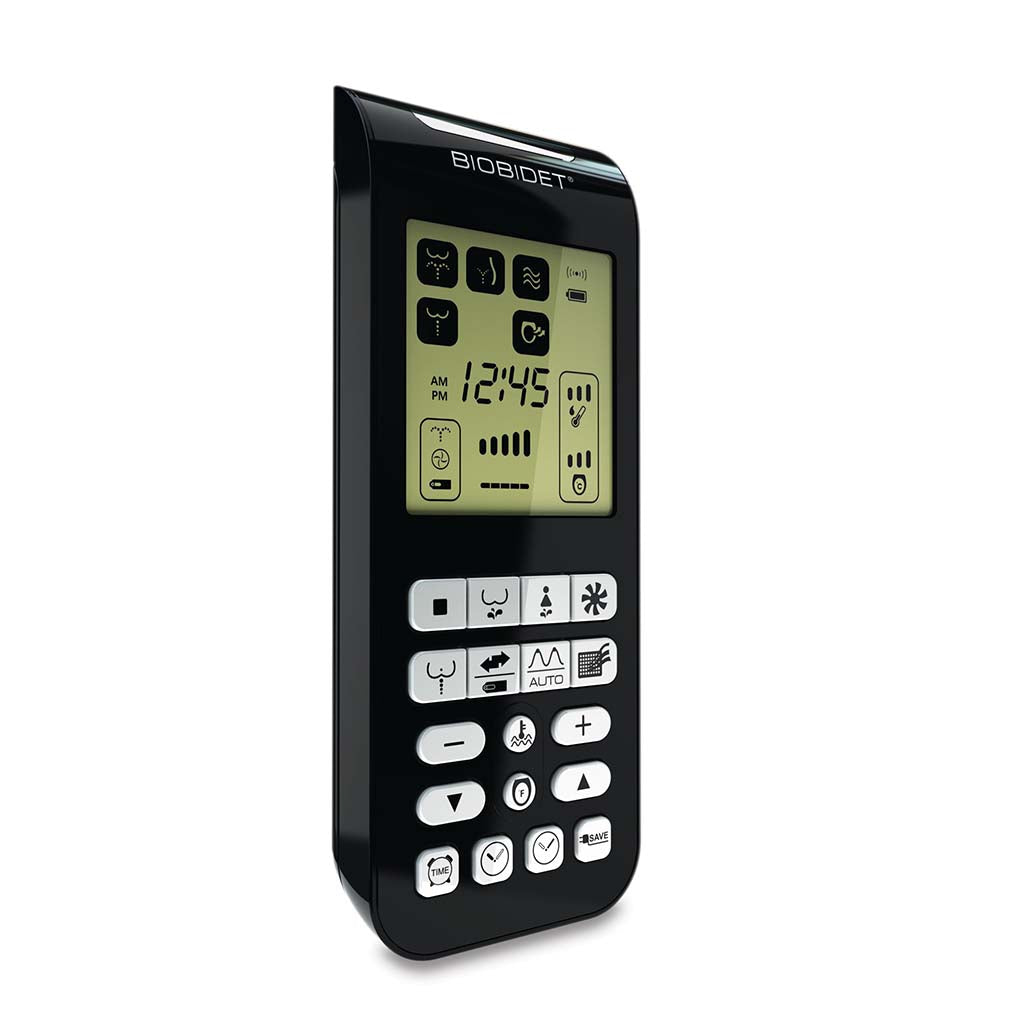
The BB2000 uses IR too, and many users complain it is weak unless pointed directly.
Add an Aluminum Foil Reflector
Focuses the beam for better range and reliability.
DIY Steps:
- Open the remote.
- Wrap aluminum foil around the IR LED.
- Shape it into a cone to direct light forward.
- Reassemble and test.
User Feedback: One user saw immediate improvement in signal strength.
Keep Remote Handheld When Needed
Some users give up on mounting entirely. Store remote on counter or holder and use it like a TV remote, pointing directly at seat. Not elegant, but effective.
Eliminate Smart Device Interference
Modern bathrooms are full of electronics that emit IR or electromagnetic noise.
Common Culprits
• Motion-sensing soap dispensers
• Smart mirrors with IR sensors
• LED bulbs (especially dimmable)
• Automatic faucets
How to Test
- Turn off or unplug smart devices one at a time.
- Test remote after each removal.
- If it suddenly works, you found the source.
Fix: Relocate interfering device or shield bidet receiver with non-conductive barrier.
Re-Sync Remote Channel
Some Bio Bidet models use channel pairing. If mismatched, communication fails.
Reset to Default Channel (CH 00)
Steps:
- Press and hold Stop button on remote for 5 or more seconds.
- Display shows CH followed by number (for example, 01).
- Keep holding to cycle back to 00 (default).
- Release and test.
Note: Not all models allow manual channel change. If no CH appears, skip this.
If channel reset fails, perform a hard reset to force re-pairing.
Clean and Inspect the Receiver
Dust, grime, or toilet paper can block the IR receiver window.
Locate the Receiver
On all models, it is on the top surface of the bidet seat, near the control panel.
Clean Properly
- Power off the unit.
- Wipe the window with a dry microfiber cloth.
- Avoid liquids or cleaners. Moisture can damage internal circuits.
User Insight: One user found remote worked pre-installation but failed after. The receiver was partially covered by the toilet lid or wall mount.
Troubleshoot IB-835 Model Issues
The USPA IB-835 combines bidet and toilet functions, including remote flush.
Test Remote Flush vs Auto Flush
• Auto flush works, remote flush fails: Remote or receiver issue.
• Auto flush fails: Seat sensor or plumbing problem.
• Manual flush works: Flush mechanism is functional.
Action: If auto flush fails, clean seat sensor (under rim) with soft cloth.
Verify User Detection Sensor
The IB-835 will not operate unless it detects someone is seated.
Test:
• Sit fully on toilet.
• Ensure skin contact with seat.
• Try remote functions.
No response? Sensor may be dirty or faulty.
Try an IR Signal Booster
When all else fails, boost the signal electronically.
Use an IR Repeater System
Common in home theaters, now adapted for bidets.
How it works:
- Place IR receiver near your preferred remote location (for example, wall).
- Run a thin wire to an IR emitter stuck near the bidet receiver window.
- Signal is rebroadcast directly to the seat.
Setup Tips:
• Buy a universal IR repeater (15 to 30 dollars on Amazon).
• Hide wires behind baseboard or use adhesive clips.
• Test positioning before permanent installation.
Replace the Remote
If diagnostics confirm the remote is dead, replacement is the fastest fix.
Order a Compatible Remote
• BB1000 and BB2000 remotes are not interchangeable.
• Buy from authorized sellers or Bio Bidet directly.
• Cost: 30 to 50 dollars.
Before Buying:
• Double-check model number on seat or manual.
• Confirm IR compatibility.
Warning: Third-party remotes may lack full functionality or fail quickly.
Prevent Future Problems
Avoid repeat issues with simple maintenance habits.
Maintenance Checklist
• Clean receiver window monthly.
• Replace batteries annually (even if working).
• Use only alkaline batteries.
• Keep remote within 3 feet of seat.
• Avoid reflective surfaces nearby.
Mounting Best Practices
• Install remote at eye level or lower when seated.
• Use angled brackets for precise aiming.
• Avoid glass or plastic covers that diffuse IR.
Compare to Competitors
Many users regret choosing Bio Bidet due to remote reliability.
Why Toto Users Are Happier
| Feature | Bio Bidet | Toto |
|---|---|---|
| Remote Type | IR only | IR or RF (on premium models) |
| Signal Range | Short, line-of-sight | Longer, some RF models penetrate obstacles |
| User Feedback | Frequent complaints | Generally positive |
Quote: One user said their Totos have no issues at all and they will always stick with Toto.
RF remotes (like on Toto Washlets) do not require direct line of sight, making them far more reliable.
Final Fix Path: Quick Reference
Follow this sequence for fastest resolution:
- Test side buttons to confirm seat works.
- Camera test remote to check if IR signal is present.
- Replace batteries with fresh alkaline.
- Reposition remote to ensure direct line of sight.
- Hard reset by unplugging seat, removing batteries, waiting 10 minutes.
- Factory reset (BB1000) for deep system reboot.
- Fix BB1000 flaw by flipping remote or adding mirrored label.
- Boost signal with foil reflector or IR repeater.
- Eliminate interference by turning off smart devices.
- Replace remote if all else fails.
Frequently Asked Questions About Bio Bidet Remote Not Working
Why does my Bio Bidet remote only work when pointed directly at the seat?
Bio Bidet remotes use infrared (IR) technology, which requires direct line of sight. If the remote only works when pointed directly at the seat, you likely have a line-of-sight obstruction or alignment issue. Reposition the remote so it points directly at the IR receiver on top of the seat, and remove any obstacles like towel bars or mirrors.
How do I know if my Bio Bidet remote is sending a signal?
Use your smartphone camera to test. Open the camera app, point the remote at the lens, and press any button. If you see a flickering purple or white light on screen, the remote is sending a signal. No flicker means the remote is not transmitting.
Why does the BB1000 remote have more problems than other models?
The BB1000 has a known design flaw. The IR transmitter is located on the top edge of the remote instead of the front. When wall-mounted in standard orientation, the signal points toward the ceiling rather than the seat. Workarounds include flipping the remote upside-down, creating a mirrored button label, or physically relocating the IR LED.
Can smart bathroom devices interfere with my Bio Bidet remote?
Yes. Motion-sensing soap dispensers, smart mirrors, dimmable LED bulbs, and automatic faucets can emit IR or electromagnetic noise that interferes with bidet remote signals. Try turning off or unplugging these devices one at a time to identify the culprit.
How do I reset my Bio Bidet remote channel?
Press and hold the Stop button on the remote for 5 or more seconds. The display will show CH followed by a number. Continue holding to cycle back to 00 (default channel). Release and test the remote. If no CH appears, your model may not support manual channel changes.
Should I replace my Bio Bidet remote or upgrade to a different brand?
If troubleshooting fails and your remote is confirmed dead, replacement is an option (30 to 50 dollars). However, many users recommend upgrading to a brand like Toto that offers RF remotes, which do not require line of sight and are generally more reliable.
Key Takeaways for Bio Bidet Remote Not Working Issues
The bio bidet remote not working problem is widespread but rarely unsolvable. Most fixes take under 30 minutes and cost nothing. The root cause is almost always IR line-of-sight failure or the BB1000 flawed remote design. With the right positioning, resets, or simple DIY hacks, you can restore full functionality.
Start by testing the remote with your smartphone camera and confirming the seat works via side buttons. Then work through line-of-sight fixes, battery replacement, and system resets. For BB1000 owners, the mirrored label or upside-down mounting trick solves the design flaw permanently. If all else fails, consider an IR repeater system or upgrade to a brand with RF remote technology.
And if you are considering an upgrade, look for models with RF remotes. They eliminate these problems entirely and provide a much more reliable user experience.